
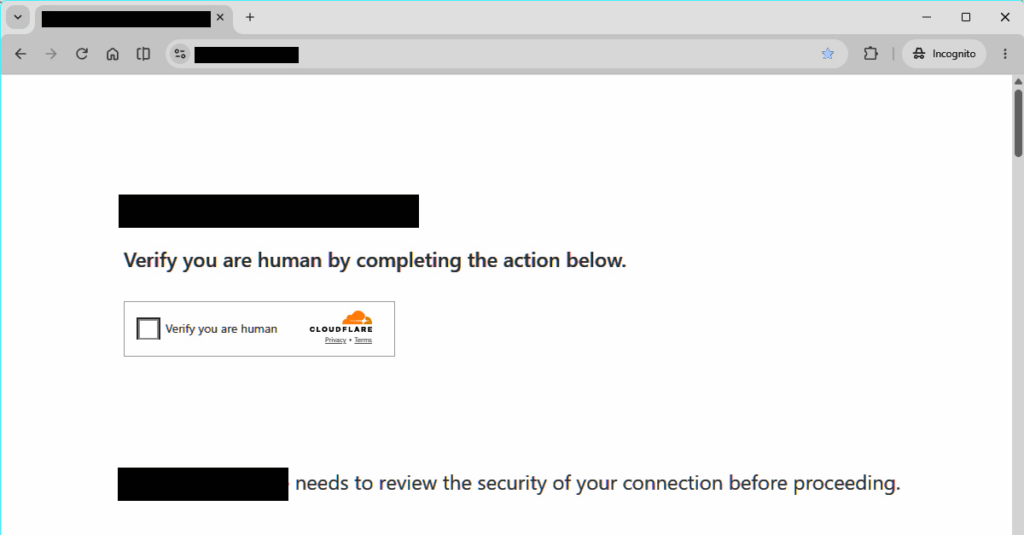
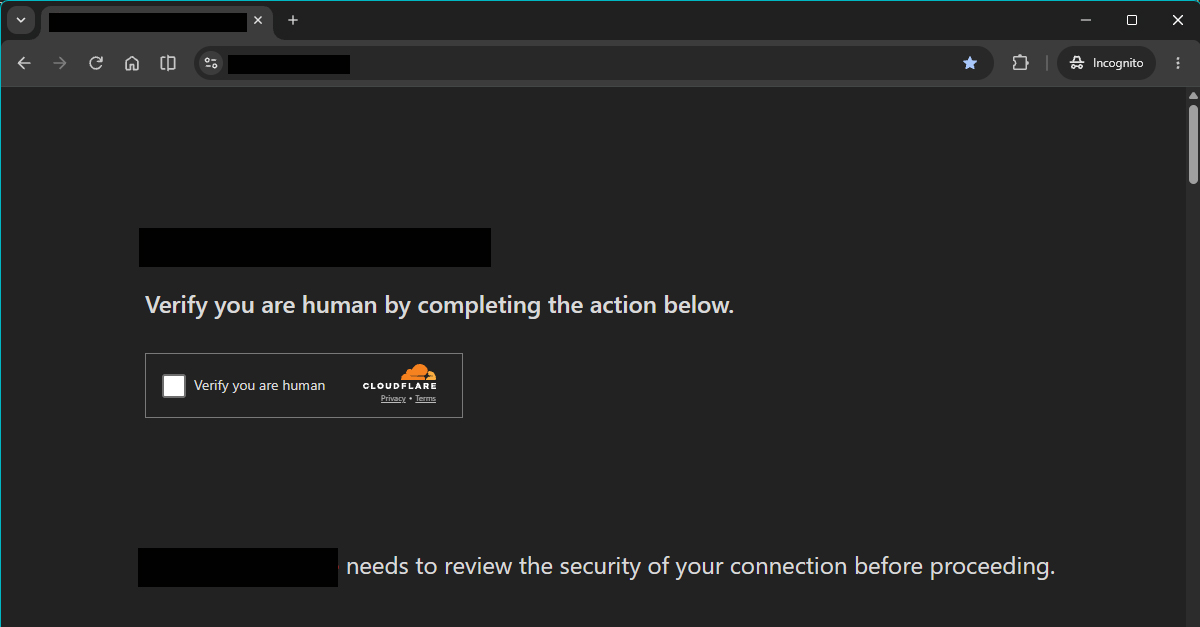
In recent days, I’ve noticed that most of the websites are infected with this fake Cloudflare CAPTCHA verification. From the initial layout, it is totally identical to the original Cloudflare verification screen (Image 1). But if you click on the checkbox, it instructs you to paste a command into the computer terminal (Image 2). This is not Cloudflare! Cloudflare never asks you to paste anything into your computer terminal.
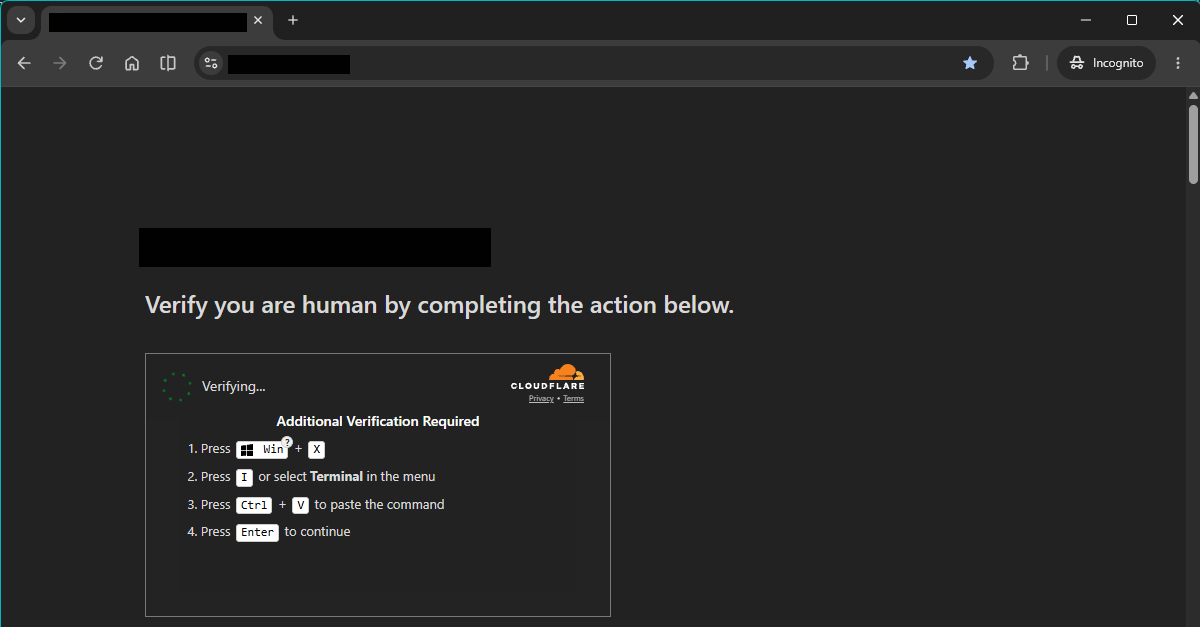
This is an advanced variation of the ClickFix attack technique, and it is called TerminalFix. If you somehow execute this command on your computer, hackers will be able to:
- Download hidden malicious files
- Create a remote doorway into your local network
- Bypass firewalls via reverse tunneling and prepare the network for ransomware or data theft
How to prevent these attacks?
For website visitors:
Never paste unverified commands into your Windows Terminal or PowerShell. Real security checks never ask you to do something like this.
For website owners:
- Keep all plugin files, themes, and WordPress core updated to the latest versions.
- Check your website files regularly for suspicious files.
- Limit or stop using nulled plugins and themes.
What if your website is already infected?
Immediately put your website into maintenance mode. You don’t want something like this to affect your brand image, or eventually, get your domain name banned too.
- Check all website plugin files and theme files using cPanel, DirectAdmin, or your hosting control panel.
- Remove any suspicious plugins, code, or database queries.
- Check for unverified user accounts.
- Change your website passwords.